
Black and White Photo Colorizer
Upload a black and white photo and watch our AI photo colorizer bring it back to life in seconds. Free to try — no signup needed.
🖼️
Drag & drop your photo here, or
JPG / PNG / WEBP — up to 10MB
1. Upload your photo
Drag in any black and white photo — JPG, PNG or WEBP, up to 10MB. Old family scans work great.
2. AI colorizes it
Our colorizer adds natural, historically plausible colors in seconds. Faces stay recognizable.
3. Compare & download
Slide between the original and the colorized version, then download the result.
Simple credit packs
One-time packs, no subscription. 1 credit = 1 colorization. Your first two colorizations each day are free.
100 Credits
$9.90
100 credits · valid 365 days
1 credit = 1 colorization
250 Credits
$19.90
250 credits · valid 365 days
1 credit = 1 colorization
650 Credits
$49.90
650 credits · valid 365 days
1 credit = 1 colorization
Full details on the pricing page.
See what it can do
Real colorization results — portraits, landscapes, historic photos.
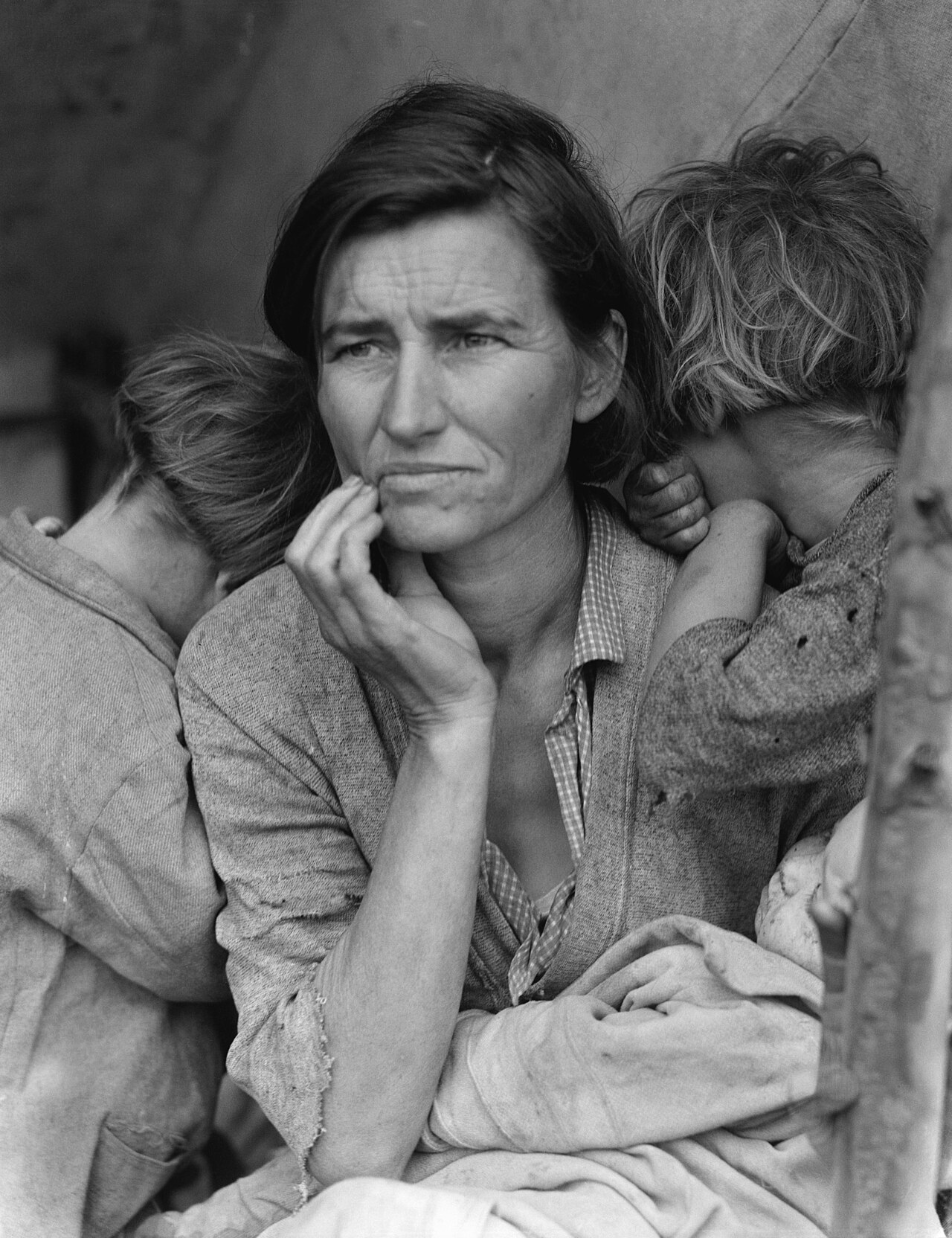
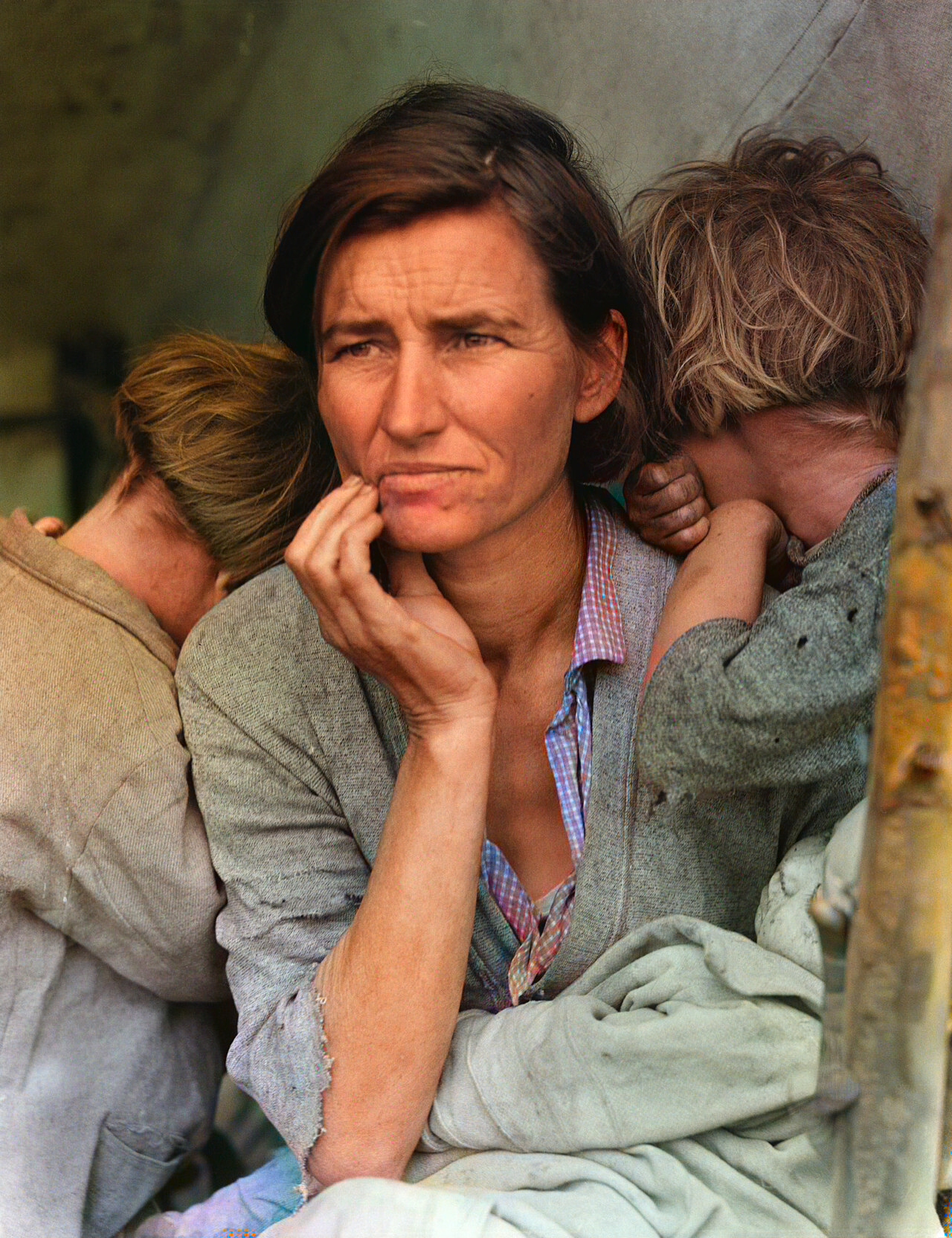
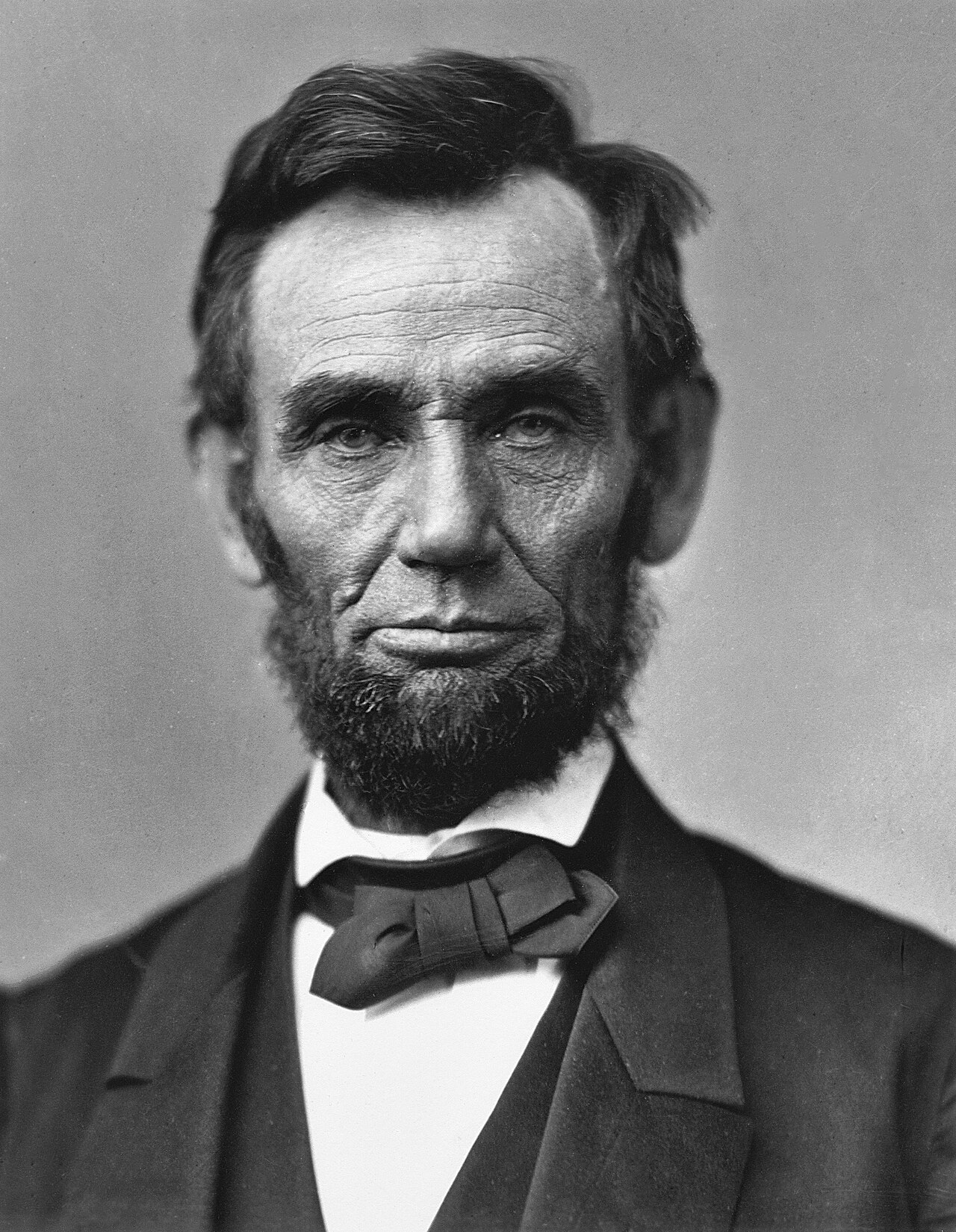
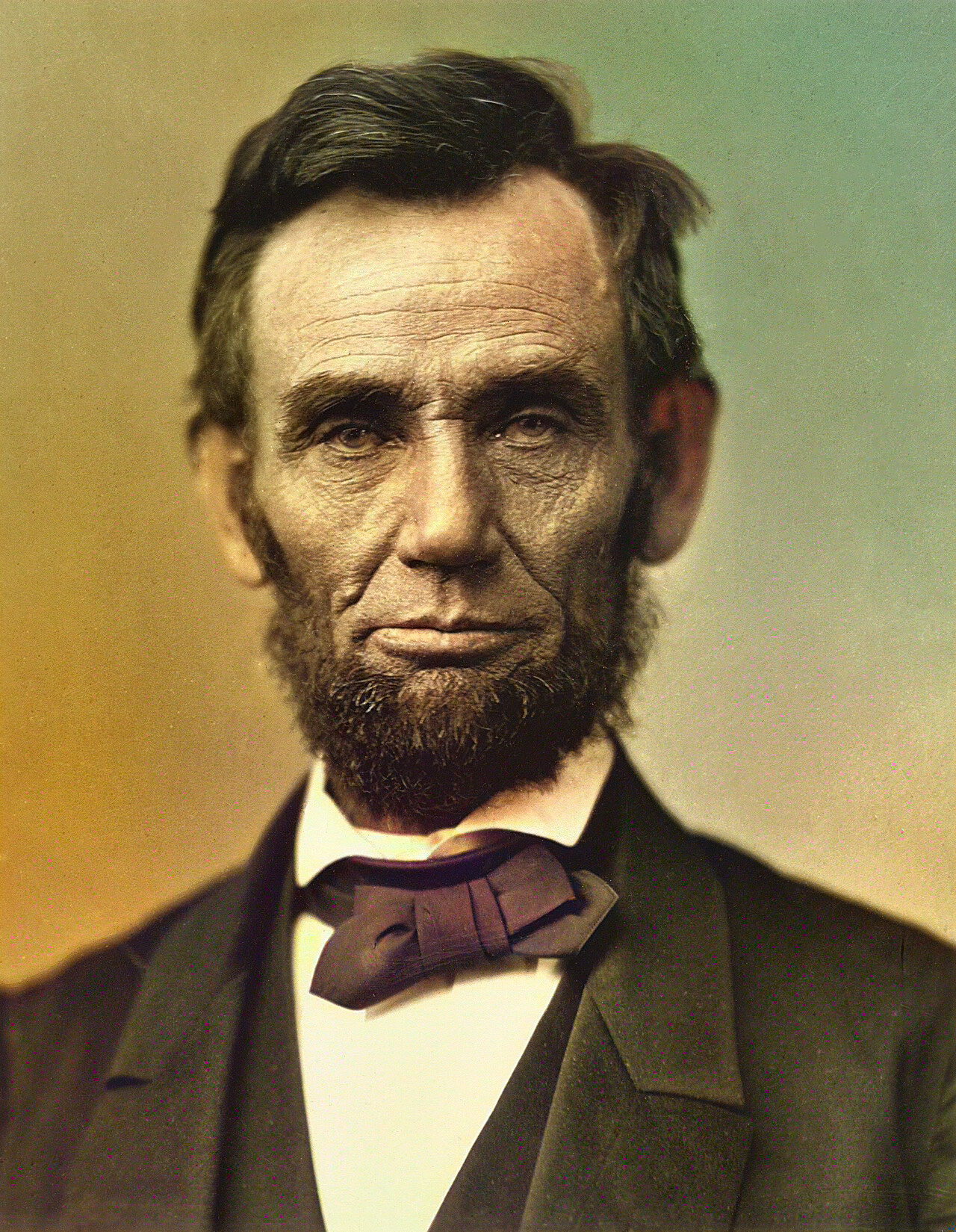
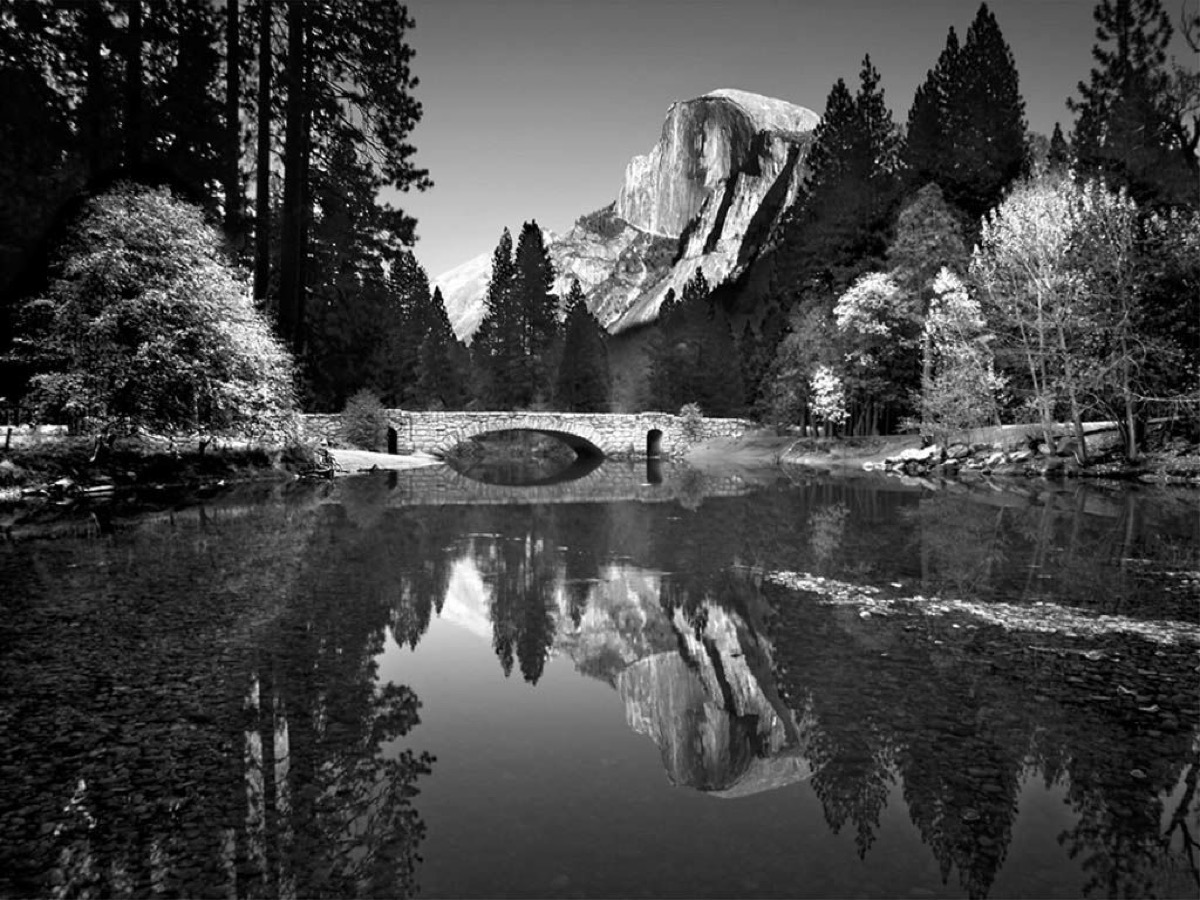
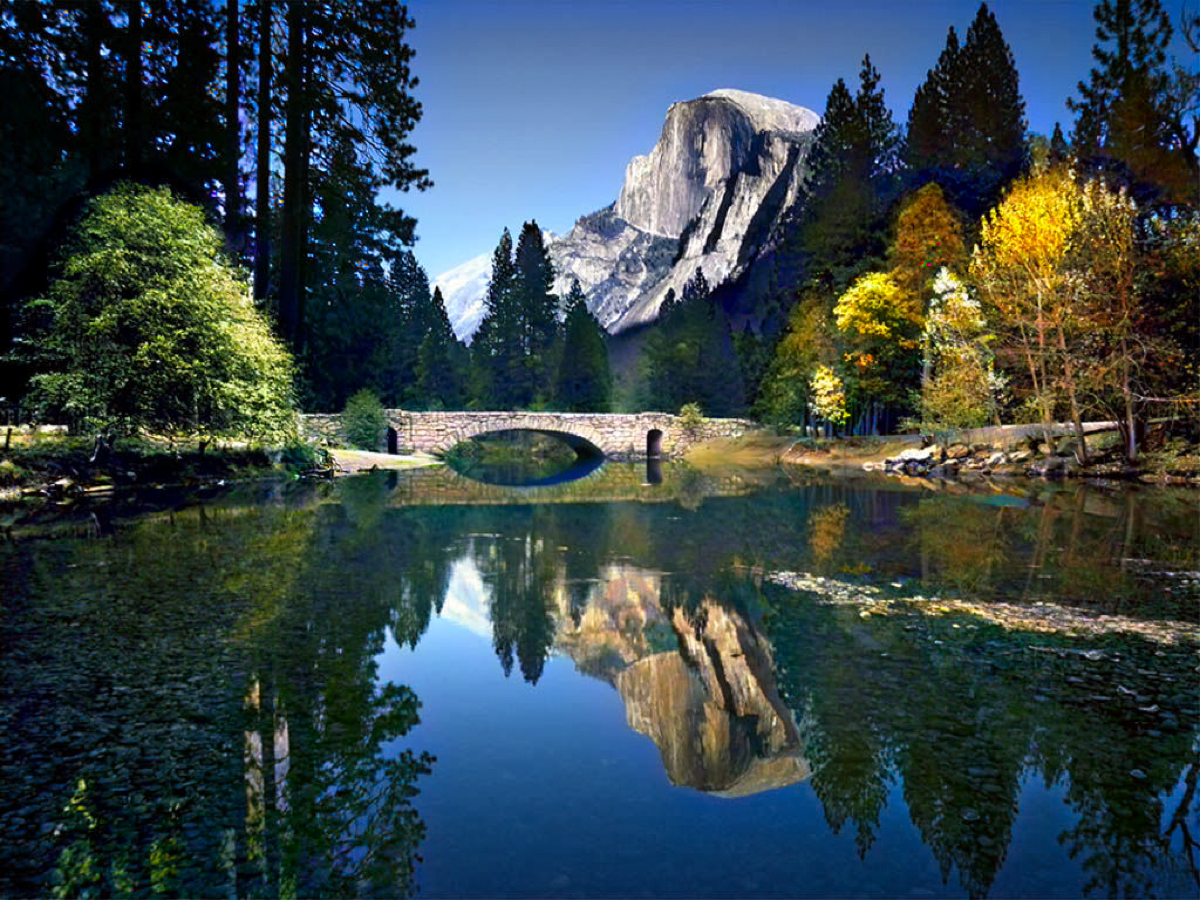
Have more than one photo? You can also colorize pictures in bulk — up to 30 at a time.
What this colorizer does
ColorizePicture turns black and white photographs into naturally colored images. It was built for one job: taking the scanned family photos, historical portraits and faded landscapes sitting in albums and shoeboxes, and giving them back the colors the photographer actually saw. Unlike general-purpose image editors, it does not repaint your picture from scratch — it adds color on top of the original photo, so every face, building and tree stays exactly where the camera put it.
Old photos deserve this treatment. Hand-coloring was popular a century ago precisely because monochrome felt incomplete; today our AI does in seconds what used to take a skilled artist hours. Skin tones come out natural instead of plastic, uniforms and fabrics get plausible colors rather than rainbow noise, and skies read like skies. You can judge for yourself in the examples above — every result is a real model output, not a hand-retouched marketing image.
How to colorize a black and white photo here: upload it, press the button, compare the result with the original using the slider, and download. No software to install and no design skills needed. The AI handles sepia-toned prints, silver-gelatin portraits and old newspaper scans equally well, and because the original detail is preserved, enlarged prints stay sharp.
Why colorize old family photos at all? Color is a memory cue. Relatives who only ever existed in grayscale suddenly feel closer; grandchildren engage with family history they used to skip. Museums and archives colorize for the same reason — context and emotion stick better when a picture looks like the world it was taken in. That said, colorization is a creative aid, not a restoration of lost truth: the AI picks plausible colors, and for historically specific details (regimental colors, car models, fashion) you should verify against sources.
If your photos are not just colorless but also damaged — scratches, tears, mildew spots, fading — you can repair damaged old photos first, then colorize them. The repair step fixes the physical defects; colorization then brings the image back to life.
FAQ
Is it free to use?
Yes. You can colorize two photos per day for free, no signup required. Creating a free account gives you more credits, and paid credit packs are available if you need higher resolution or batch processing.
How long does colorization take?
Usually a few seconds per photo. Heavily damaged or very large scans can take up to a minute. If processing fails for any reason, you are never charged.
Which formats and sizes are supported?
JPG, PNG and WEBP files up to 10MB. For best results use the largest, sharpest scan you have — the AI preserves and enhances the original detail.
Will the faces in my photos still look the same?
Yes. The AI adds plausible, historically accurate colors on top of your original photo — it never replaces faces or changes the composition. Family members stay recognizable.
What happens to my photos?
Uploaded photos and colorized results are automatically deleted within 24 hours and are never used to train models. See our privacy policy for details.
Do I need an account?
No — the first two colorizations each day are free without an account. An account unlocks clean, watermark-free downloads and your colorization history.
Ready to restore more than colors? Our restoration mode handles scratches, tears and fading — and you can colorize a whole batch of pictures in one go.